
Showing your track on your own website or blog
What it looks like
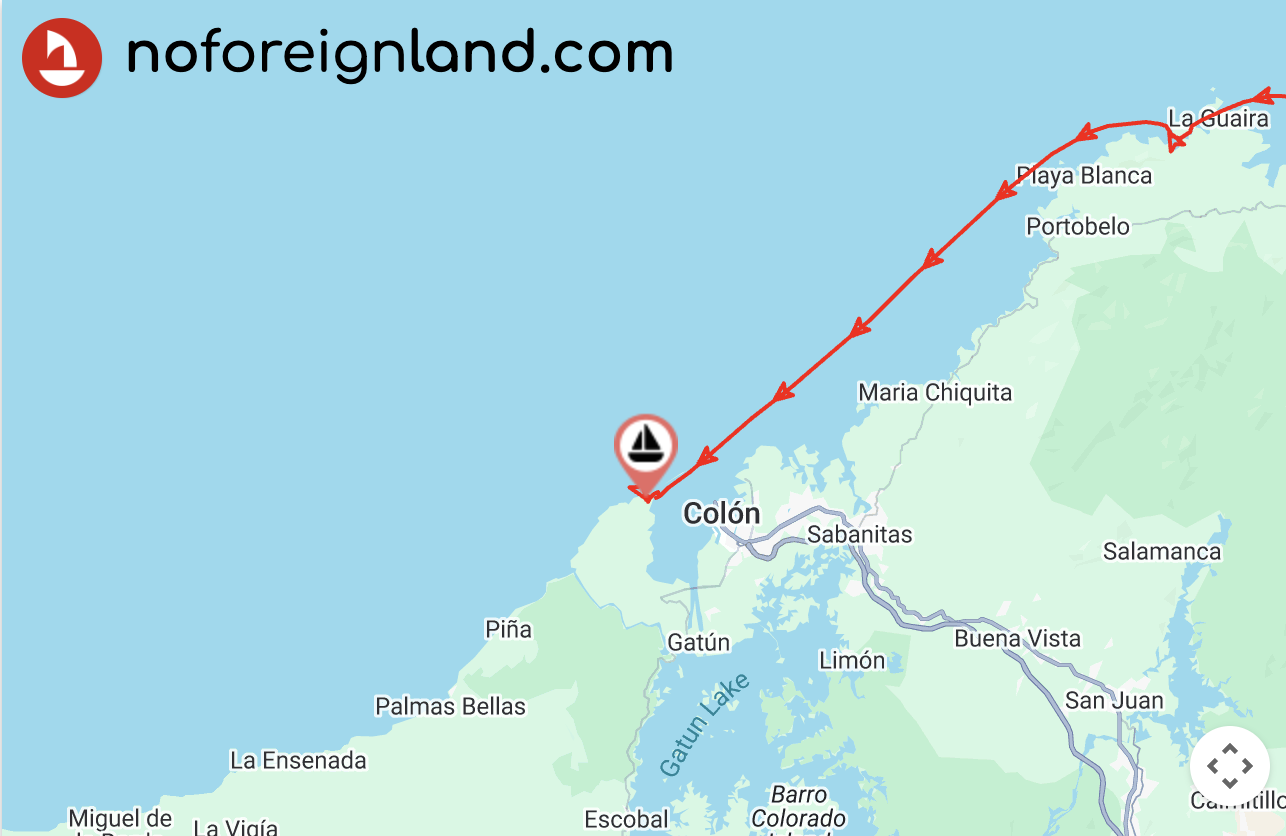
Section titled “What it looks like”You can embed a clean, distraction-free map showing your journey on your own website or blog — it will look something like this:
Embedding the map
Section titled “Embedding the map”You don’t need much coding experience — just build your embed link and add it to your site.
How you do this will depend on your website platform (for example, WordPress, Blogger, or a custom site).
Building the embed path
Section titled “Building the embed path”The map embed URL has this structure:
https://www.noforeignland.com/map/embed/[BOAT_ID]/[ZOOM_LEVEL]/[TRACK]/[MAP_STYLE]/
You must substitute the following parts:
| Path variable | Values |
|---|---|
| BOAT_ID | The numeric ID of your boat (visible in your browser’s address bar when viewing your boat page). |
| ZOOM_LEVEL | A number from 1–20 (higher numbers zoom in closer — 10 is a good compromise). |
| TRACK | Use on to show your track or off to hide it. |
| MAP_STYLE | Choose satellite or day. |
Embedding it in your website
Section titled “Embedding it in your website”Use an <iframe> element to embed the map in your website, setting its src attribute to the map embed path you built above.
For example, to embed a map for my boat at zoom level 10, showing a red track line on a satellite layer, I could use:
<iframe src="https://www.noforeignland.com/map/embed/5676073085829120/10/on/satellite/" width="100%" height="500"></iframe>Working with WordPress
Section titled “Working with WordPress”This article explains one sailor’s experience embedding a noforeignland map in their WordPress blog: